MMiX.Me, a Free 3D Media Player

DOWNLOAD MMiX.ME NOW!          LIKE us on Facebook!


Welcome to MMiX Me 3D Media Player for Microsoft Windows

MMiX.Me is a media player with a 3D spatial UI. Its features include:

  • Music library playback (mp3, flac, ogg, wma, midi)
  • Internet streaming radio (Loudcity)
  • Embedded web browser
  • Auto-download of album art
  • Manual search for album art
  • Skinnable windows
  • 3D Spectrum Analyzer (aka Graphical Equalizer)
  • Various view geometries
  • Sound effect plug-ins

LATEST NEWS: Version 0.2.3 (February 2013) adds full Unicode font, fullscreen mode, player state saving and several minor fixes.

Version 0.2.2:

Version 0.2.0:

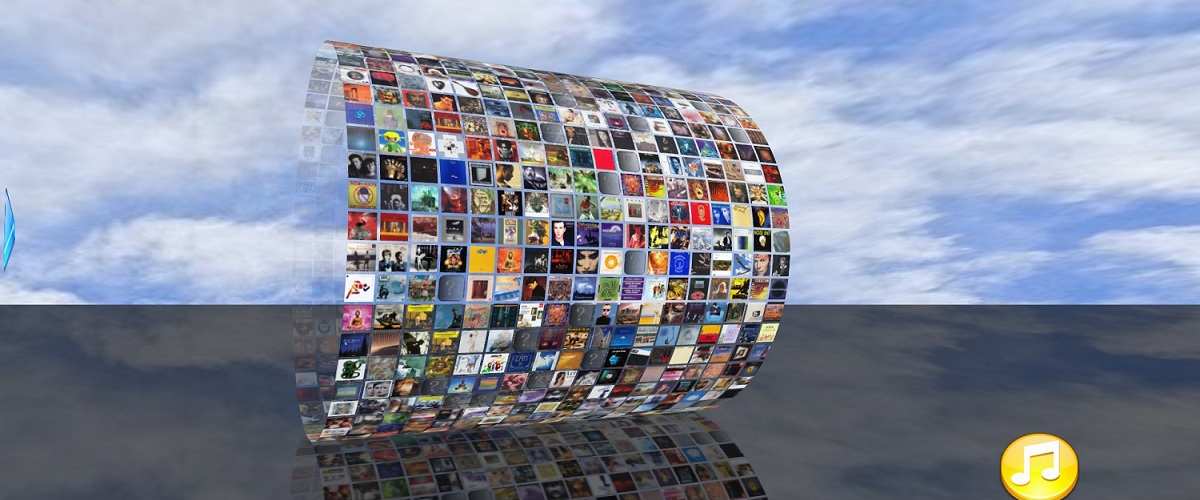
My CD collection goes virtual!

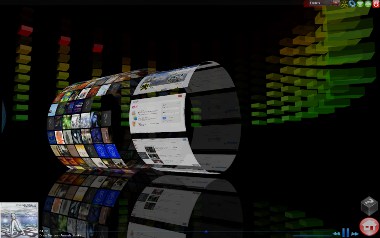
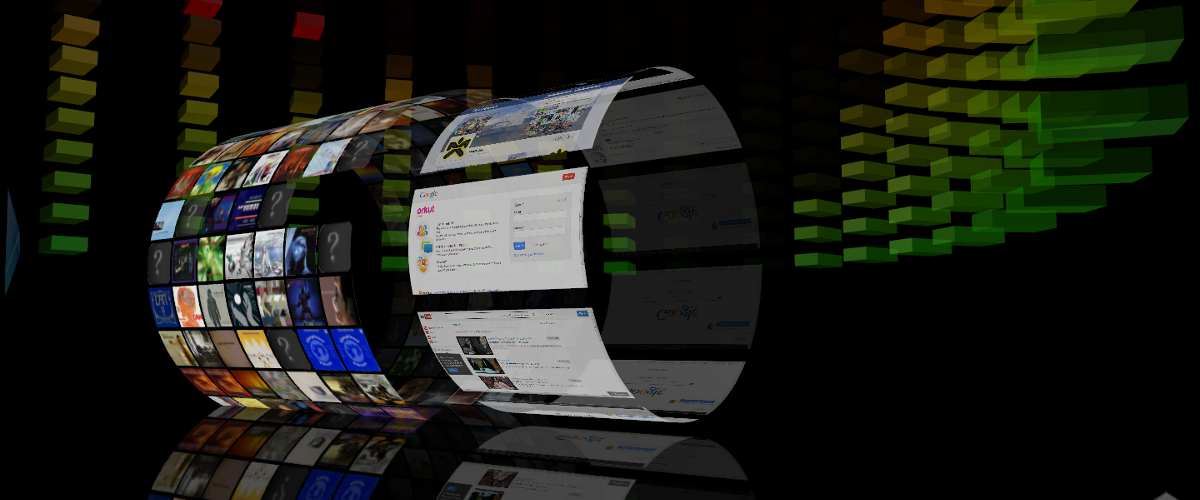
The MMiX Me media player aims at giving you an alternative to WinAmp, Rhythmbox, and other traditionally text-based media players.  The MMiX Me media player is a 3D media space, in which you can navigate your albums as if you were scrolling through a real collection – instead of browsing lines of text! It is probably as close to a virtual CD collection you will get!   Currently, many of the more common music formats are supported: MP3, FLAC, OGG, Midi etc.   Starting with version 0.2.0 of the 3D Media Player, we have an integrated Web Browser and Streaming Radio!

Download the MMiX.Me Media player for free NOW!

MMiX Me is still in the development phase – the time when it will evolve the most – in large part thanks to the cooperation of daily users.  So head over to the download area where you can get your own free media player download.  Remember to come back regularly to get the latest version and details on what has improved and changed.   Send us comments, bug reports and suggestions by contacting the  media player development team on the contacts page or even better, chat with users in the media player discussion forums. The MMiX Me 3D Media Player is free to download and free to use!

How does it work?

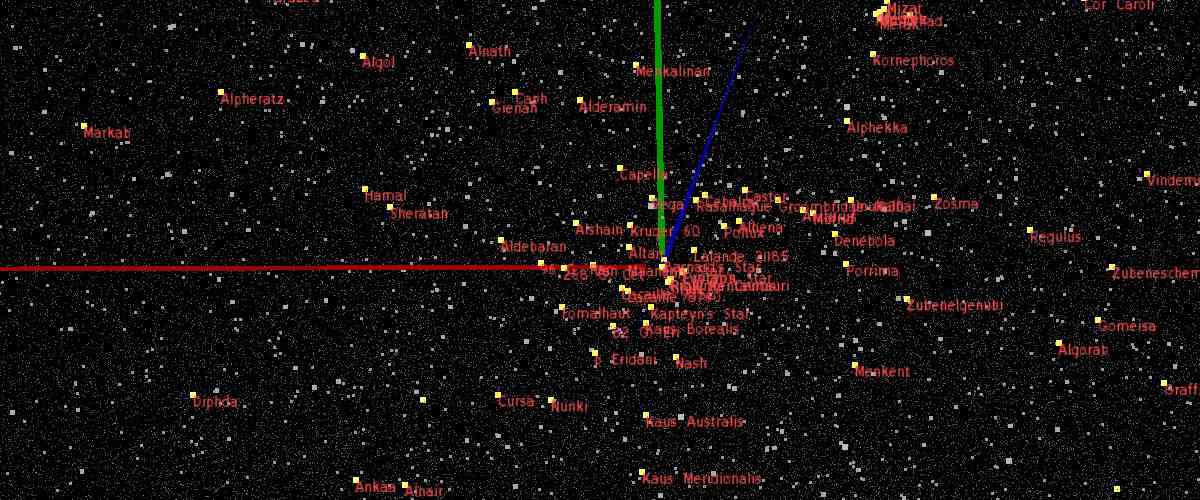
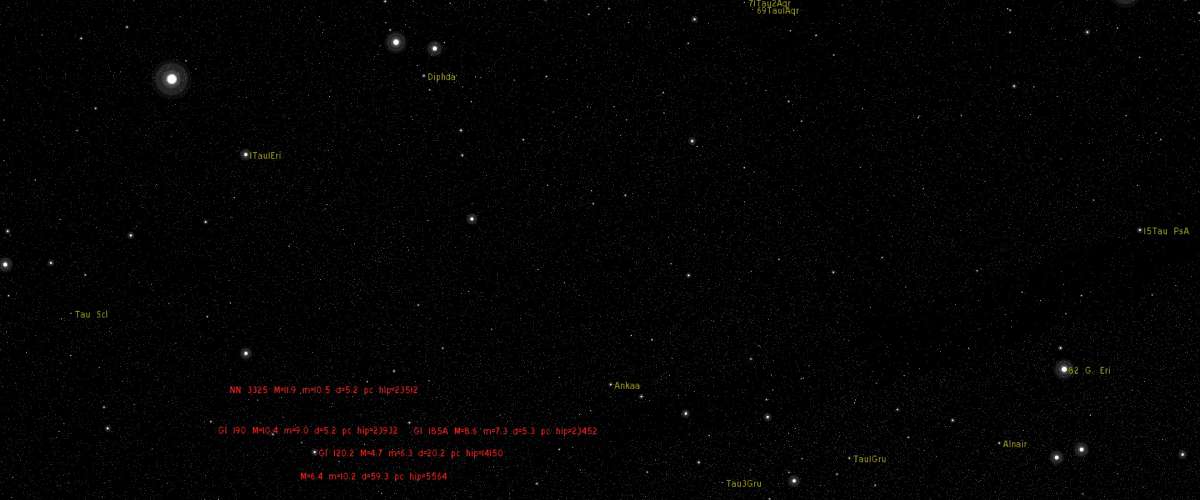
The quickest way to find out how to use the MMiX.Me media player, is to press F1 inside MMiX.Me, or have a look at the screenshots of mp3 music collections.  The Help section (F1) tells you about navigation and keyboard shortcuts. Our screenshots show several of the more common MMiX Me views, and descriptions of what they do, or how to get there.

Watch-out for new features!

The MMiX Me media player is currently in beta status, meaning new features are still being developed, and that you can expect things to change how they work and how they look.  The media player application is available today to allow for broader testing of the crucial features like graphics and music player functionality.  Let us know if you have problems!

3D media player MMiX.Me: My Music, Web Pages, Streaming Radio

Click to zoom